
AI-generated illustration of a business IT workspace.
IT services are the support, maintenance, security, and planning work businesses use to keep their technology running. The term covers much more than fixing computers: it can include managing user accounts, maintaining networks, administering cloud software, protecting data, and planning system changes.
For business owners and managers, the important question is what a provider will actually do. A service label alone does not establish coverage. The agreement should identify the systems covered, the work included, and who is responsible when something goes wrong.
What IT services include
Different organizations need different combinations of services. A medical practice may prioritize access to clinical applications, while an oil and gas business may need dependable connections between office and field staff. The categories below explain the main types of work, not a promise that every provider or support plan includes them all.
Help desk and end-user support
Help desk services assist employees when technology interrupts their work. That can include password resets, account access, email problems, software errors, printer issues, and device setup. Support may also include helping new employees get access to the tools they need.
Ask how employees should request help, when support is available, and which issues qualify for urgent attention. Remote support and on-site assistance may have different coverage or charges.
A help desk should also help identify recurring problems. If the same printer fails every week, resolving each ticket without investigating the cause leaves the business with the same interruption. For a closer look at this category, see our guide to small business IT support.
Network, infrastructure, and device management
Infrastructure services cover the equipment and connections that business applications depend on. Depending on the environment, that can include workstations, servers, storage, switches, Wi-Fi, and firewalls.
The work may involve configuration, software updates, performance monitoring, hardware replacement planning, and troubleshooting connections between locations. Specialized devices and applications may require coordination with their manufacturers or software vendors.
An equipment inventory helps clarify responsibility. Each critical system should have an identified owner, a support contact, and a priority based on its role in the business. Ask whether the provider maintains that inventory and which devices fall outside the agreement.
Cloud and software administration
Cloud services do not eliminate the need for IT support. They change what needs to be managed.
Business software still requires user accounts, permissions, licensing, security settings, and ongoing administration. Employees may need help accessing shared files, resolving synchronization problems, or connecting applications. Moving data into a hosted platform also raises questions about backup, retention, and recovery.
Before migrating a system, review its dependencies, costs, access requirements, and recovery options. A phased migration may be appropriate, but the approach should fit the application and the organization's ability to tolerate disruption. Cloud adoption alone does not guarantee lower costs or better security.
Cybersecurity and access management
Security work can include endpoint protection, email filtering, multi-factor authentication, access reviews, vulnerability assessment, and secure remote access. Training and documented procedures can help employees handle suspicious messages and report problems.
These services overlap with everyday support. Creating an account for a new employee is an administrative task, but deciding which information that employee can access is also a security decision. Removing access when someone leaves requires a clear process and an assigned owner.
Ask what the provider monitors, how it handles alerts, and who makes decisions during a suspected incident. Incident response, specialist investigation, and recovery work may require separate arrangements. No combination of services can guarantee that an attack will never occur.
Backup and recovery
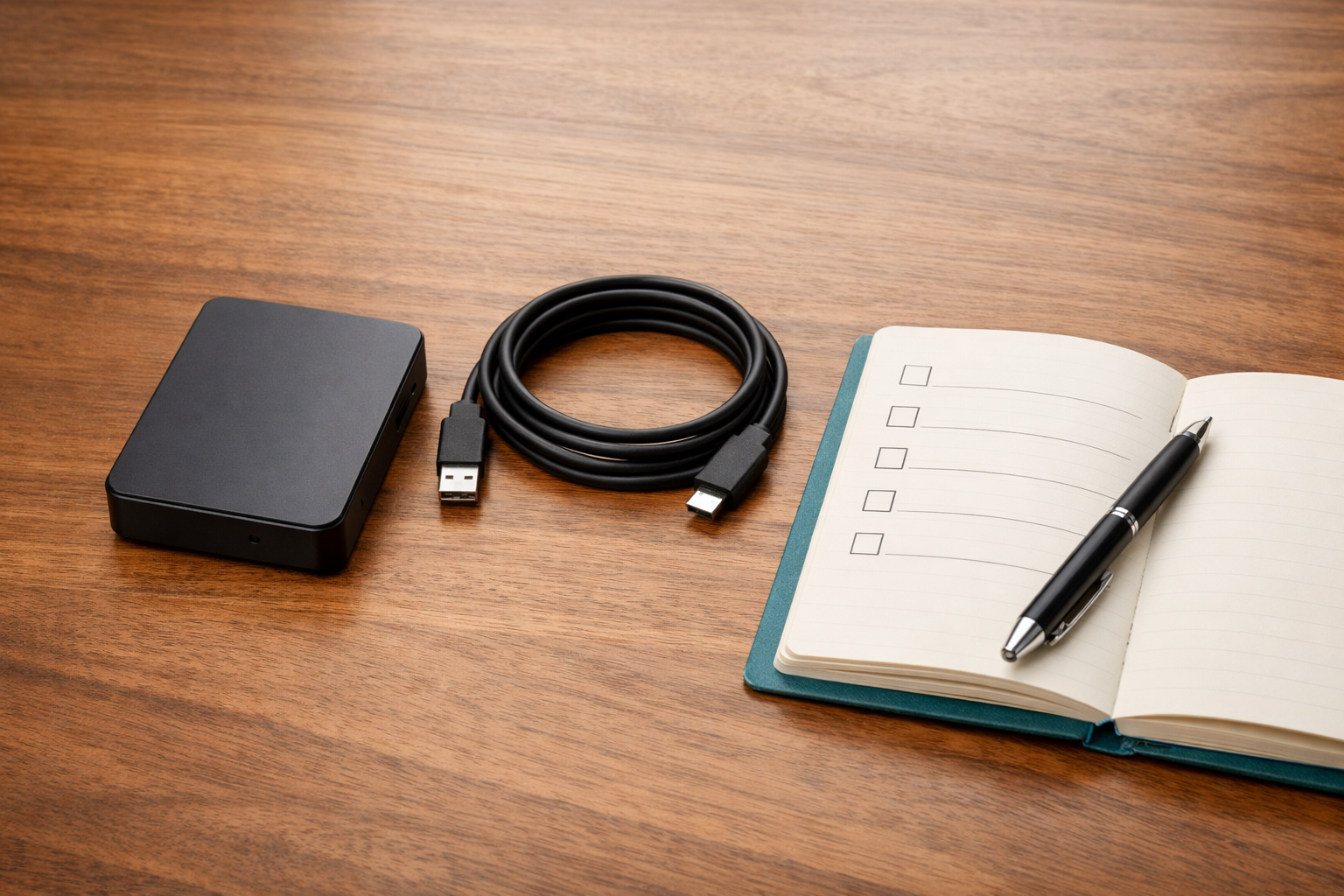
AI-generated illustration of offline backup storage and recovery planning.
Backup services create recoverable copies of data. Recovery services focus on restoring access when data or systems are lost, damaged, or unavailable.
A useful review goes beyond asking whether backups exist. Establish which systems are covered, how often copies are created, how long they are retained, who checks failures, and how restores are tested. Recovery planning should also address how long the organization can operate without a system and how much recent data it can afford to lose.
Business continuity extends beyond restoring technology. Staff need to know how work will continue during an outage, who communicates with customers or patients, and who authorizes recovery decisions. IT recovery supports that wider plan; it does not replace it.
Consulting, planning, and vendor coordination
IT consulting helps business leaders decide what to change, what to maintain, and where to spend. The work can include reviewing risks, planning equipment replacement, evaluating vendors, and developing a technology roadmap.
Vendor coordination can help when an issue spans several companies. For example, a connectivity problem may involve an internet provider, a software vendor, and the organization responsible for the local network. The agreement should state who coordinates those conversations and where each vendor's responsibility ends.
Some providers offer ongoing strategic guidance under a virtual chief information officer, or vCIO, arrangement. Others provide advice through individual projects or periodic reviews. Ask about the deliverables rather than assuming that a title describes the scope.
Reactive support versus proactive maintenance
Reactive support begins after someone reports a problem or a system fails. It includes resolving an account lockout, restoring a connection, or repairing a workstation.
Proactive maintenance aims to reduce avoidable problems through work such as patching, capacity checks, monitoring, and backup testing. It can identify warning signs before employees notice an interruption, but it cannot prevent every failure.
Most organizations need both. The question is whether the provider only responds to tickets or also has responsibility for routine maintenance and follow-up. Ask who reviews recurring issues and how recommended fixes are approved.
Managed services versus IT projects
Managed IT services provide recurring support and administration under an ongoing agreement. Coverage may include help desk support, monitoring, patching, backup oversight, or security administration. The specific combination depends on the contract.
Projects have a defined scope and endpoint. An office move, server replacement, network redesign, or cloud migration may be treated as a project rather than routine support.
Keep the distinction explicit. An ongoing support agreement may exclude major changes, new equipment, software subscriptions, or specialist work. A completed migration also needs a handover: someone must take responsibility for administration, support, and documentation after the project ends.
Before approving a project, agree on its scope, dependencies, timing, acceptance criteria, and ongoing support arrangements. A successful installation is only part of the outcome if staff cannot use the system or no one owns its maintenance.
How industry requirements affect the service scope
The same service categories apply across industries, but priorities differ.
Healthcare and medical imaging organizations may need particular attention to clinical application access, imaging workflows, sensitive information, and coordination with specialist vendors. Our guide to healthcare IT services covers those needs in more detail.
Senior care organizations may prioritize secure record access, shared workstations, reliable wireless coverage, and communication across shifts. Oil and gas businesses may focus on remote access, field connectivity, mobile devices, and specialized business applications.
These are examples of possible needs, not descriptions of every organization. A hypothetical imaging center with unavailable image storage has different recovery priorities from an office dealing with an isolated printer failure. Service priorities should reflect that difference.
For regulated operations, technical controls and documentation can support compliance efforts. They do not establish compliance on their own. Leadership must also address applicable requirements, policies, training, and responsibilities with appropriate legal or compliance advice.
Questions to ask before choosing IT services
Start with the systems your organization relies on and the work your team cannot currently cover. Then ask prospective providers:
- Which users, devices, applications, and locations does the agreement cover?
- What routine maintenance is included, and who checks that it happens?
- When can employees request support, and how are urgent incidents handled?
- What do the response targets mean, and are they different from resolution targets?
- Who monitors security alerts and failed backups?
- How are recovery tests planned and documented?
- Which projects, subscriptions, equipment purchases, and specialist services cost extra?
- Who coordinates third-party vendors when responsibility is unclear?
- Who owns the administrative accounts, documentation, and data, including when the agreement ends?
Written answers are more useful than broad promises of complete coverage. They let you compare proposals against the same operational needs and identify work that remains with your internal team.
Decide what your business needs first
Create a short inventory of critical systems, current support arrangements, security controls, backups, and vendors. Note repeated interruptions, unsupported equipment, and responsibilities that no one has accepted.
Rank those gaps by business impact. A system that staff need to deliver care, coordinate field work, or access essential records deserves different attention from a minor inconvenience. Review security and recovery needs alongside day-to-day reliability rather than postponing them until after an incident.
Cite Technology Solutions provides managed IT services, cybersecurity, help desk support, data backup and recovery, and IT consulting for businesses in Lafayette and surrounding communities. To discuss gaps in your current arrangements, contact Cite Technology Solutions with your system inventory and questions about coverage.
The goal is a clear division of responsibility: what your provider manages, what your team owns, and how both will respond when technology interrupts the business. Better service decisions start with that clarity.