For Lafayette-area healthcare practices, imaging centers, senior care organizations, and oil and gas businesses, ransomware reaches beyond locked files to interrupted care, unavailable records, and stalled operations. At Cite, we approach ransomware protection as four connected responsibilities: interrupt unauthorized access, detect intrusion, limit spread, and prove recovery. Buying one security product does not cover all four.
What ransomware protection actually stops
Ransomware protection is a layered approach that blocks unauthorized access, detects intruders, limits their reach, and preserves recoverable copies of business data. No single product stops every ransomware attack.
Malware means malicious software. Ransomware is an extortion threat involving encryption, stolen data, or both. An intrusion commonly progresses from initial access to persistence, elevated privileges and network movement, data theft, and finally encryption or extortion. Detection has value throughout that sequence, not just when files start locking.
Among types of ransomware, encryption-based attacks scramble files, while screen-locking variants block device access. Double extortion combines encryption with threats to release stolen information. Data-theft-only extortion requires no encryption.
We begin by identifying one business service whose loss would stop operations. That service becomes our priority for prevention, containment, and recovery.
Which ransomware prevention controls come first without a security team?
Our decision rule is to close exposed entry routes first, confirm recoverability in parallel, then add containment and continuously staffed detection. Evidence of an active compromise overrides that rollout and triggers incident response.
Close exposed access before adding more products
We prioritize actively exploited vulnerabilities on internet-facing virtual private networks (VPNs), firewalls, remote-access services, and applications. Directly exposed Remote Desktop Protocol belongs behind controlled access, not on the public internet.
Alongside patching, we require phishing-resistant multifactor authentication (MFA) where supported, especially for email, remote access, administrator accounts, and backup administration. The Cybersecurity and Infrastructure Security Agency’s (CISA) ransomware guidance prioritizes these access protections.
MFA reduces stolen-password risk. It does not repair an unpatched server or eliminate theft of an authenticated session.
Give every control a maintainer
An executive owns acceptable downtime and funding. An internal IT lead or provider owns patching and access; a named responder owns alerts; a recovery owner proves restoration. Clear expectations for ongoing support prevent purchased controls from becoming unattended controls.
We commission one owner-assigned, 30-day protection plan, beginning with exposed access and verified backup status. Thirty days defines the planning window, not a universal deadline for completing every improvement.
How we reduce phishing risk without blaming staff
Malicious links, attachments, fake login pages, and fraudulent support requests turn familiar work into account compromise. Role-specific examples make the threat recognizable: referral documents, imaging-portal notices, payroll changes, vendor invoices, and contractor-access requests.
We support staff with email filtering, malicious-link checks, attachment controls, and domain authentication. Email-domain authentication helps reduce domain spoofing; these controls do not block every phishing message, especially messages sent from compromised legitimate accounts.
Training completion proves attendance, not prompt reporting. A staff member who recognizes a suspicious request but cannot find the reporting button leaves an avoidable gap. We treat rapid reporting as a useful operational behavior, not a test of personal blame.
Our concrete exercise is one role-specific phishing simulation, measured by reporting rate and time to report, rather than clicks alone.
How we stop one compromised account from reaching everything
Restrict what accounts and applications can do
We separate everyday accounts from administrator accounts, restrict service accounts, and remove unnecessary standing privileges. A compromised receptionist account should not carry server-administration rights.
Application controls limit which programs and scripts can run. Compatibility testing comes before enforcement, especially where clinical software or operational applications depend on specialized components.
Separate critical systems from routine office traffic
Imaging systems, senior care applications, guest Wi-Fi, backup infrastructure, and oil and gas operational technology need deliberate access boundaries. Medical-device and industrial-system changes require vendor and operational coordination. Our approach to supporting clinical technology safely must preserve care as well as security.
We also monitor unexpected remote sessions and unusual file-sharing activity, both useful signals of movement between systems.
Our action is to review the boundary around the critical service selected earlier and document every account, device, and network permitted to reach it.
Antivirus, EDR, MDR, or backup: which responsibility does each cover?
Antivirus blocks threats; EDR makes suspicious behavior visible
Antivirus provides baseline endpoint protection, with capabilities varying by product. Modern antivirus includes more than signature matching, but no antivirus purchase guarantees protection against every ransomware attack.
Endpoint detection and response, or EDR, makes suspicious behavior visible: mass file changes, privilege escalation, unusual scripts, and attempts to disable recovery. Stolen credentials and legitimate administration tools also enable harmful activity without a conventional malware file.
The operational distinction matters: EDR still needs monitoring, investigation, and authorized response.
Managed detection supplies responders; backups supply recovery
Managed detection and response, or MDR, supplies human investigation and response within a defined service scope. Backup supplies recoverable data, not intrusion detection.
- Antivirus: blocks endpoint threats. Assign configuration, deployment, and exception ownership.
- Endpoint detection and response: detects suspicious behavior and supports investigation. Assign active monitoring, coverage checks, and response authorization.
- Managed detection and response: adds provider investigation and response within the contracted scope. Keep a customer contact for escalation and business decisions.
- Backup: recovers data and services. Assign backup operation, recovery priorities, testing, and restore approval.
We favor managed response when no named team can investigate and contain alerts around the clock. Before contracting, we establish after-hours coverage, containment authority, supported systems, and escalation commitments. Avoiding unclear provider responsibilities matters more than collecting overlapping product names.
Our action is to require a written responsibility matrix before selecting or renewing a security service, including ownership of restore testing and recovery execution.
Protect home-office computers used for business
Use built-in safeguards without assuming defaults are enough
We use supported Windows or macOS releases, automatic updates, enabled security protections, and non-administrator accounts for daily work.
Ask the IT owner to confirm that built-in and centrally managed protections remain enabled and compatible with business applications. Disk encryption helps protect stored data when a device is powered off; it does not stop ransomware acting through an authorized session.
Primary email, cloud storage, and recovery accounts also need MFA or passkeys.
Keep a recovery copy outside ordinary file access
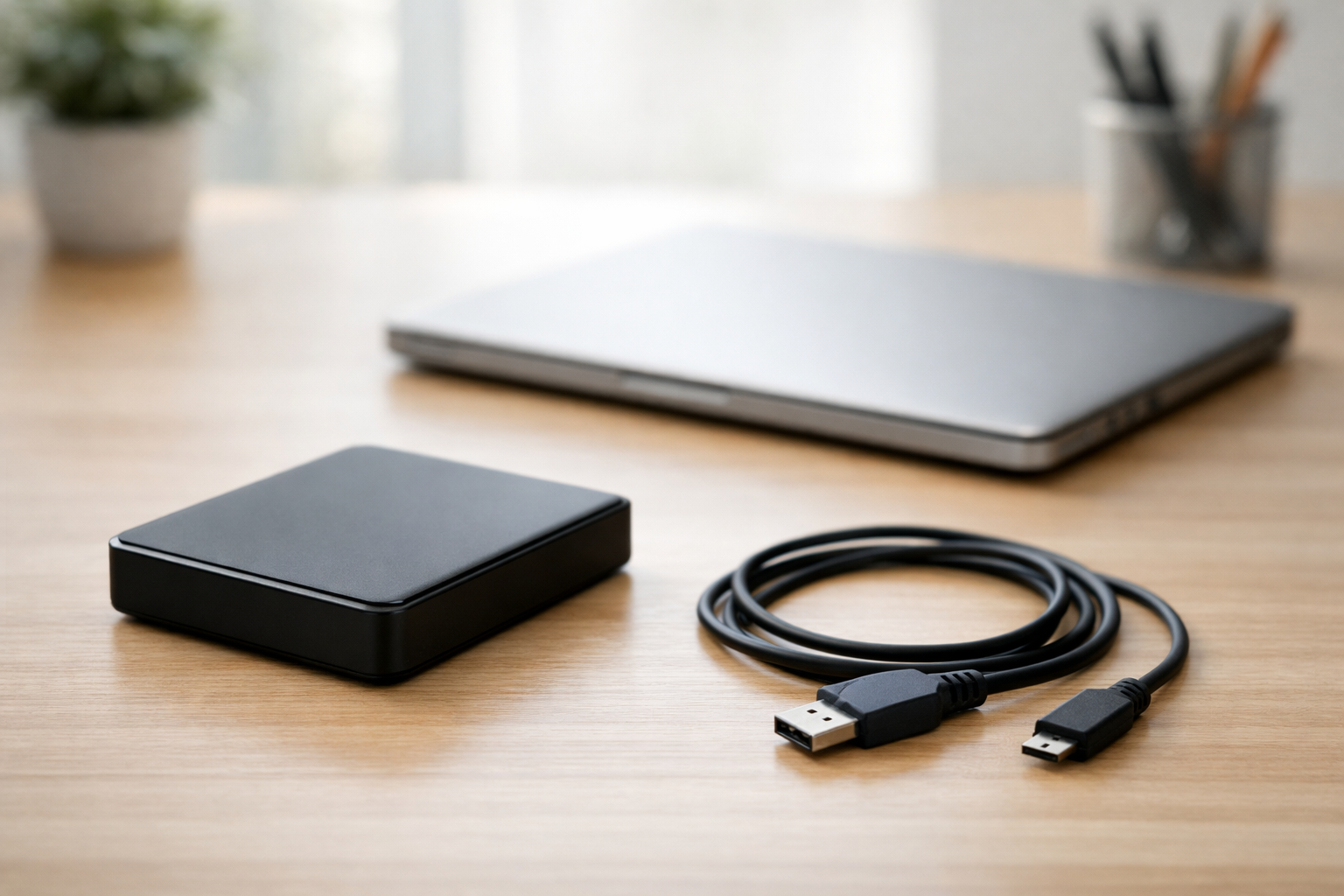
A disconnected external backup offers separation when unplugged. An independent backup service offers another approach when retention, deletion protections, and recovery controls fit the business need. A continuously writable drive must not be the only backup.
We complete one baseline protection review on the home-office device used for business access.
Why cloud sync is not a ransomware backup
Sync copies changes, including encrypted files
Synchronized folders propagate changes. When ransomware changes accessible files, synchronization can distribute those changes too.
Version history and recycle bins provide useful recovery options, but do not automatically constitute independent backups. Recovery depends on retention windows, licensing, deletion permissions, account security, and the time needed to restore large datasets. A compromised administrator account also changes the risk.
We evaluate those features as part of recovery design, not as a blanket guarantee that cloud-stored files remain recoverable.
The 3-2-1 rule needs protected copies and a proven restore
The 3-2-1 rule means three copies of data, on two distinct storage media or systems, with one copy off-site. Ransomware resilience also requires an appropriately isolated or immutable copy. Off-site storage alone does not prevent deletion through compromised credentials.
We separate backup administration from ordinary administration and preserve configuration information needed to rebuild services. CISA recommends offline, encrypted backups and regular recovery testing.
Recovery point objective means how much recent work we can lose. Recovery time objective means how long the service can remain unavailable. Those limits determine restoration order for clinical workflows, imaging access, senior care administration, and essential energy operations. A documented service restoration sequence connects backup technology to that operational order.
Successful restoration reduces pressure to pay, but does not reverse data theft. Our recovery test is to restore the selected critical service into an isolated environment and record actual recovery time and missing data.
What we do first when ransomware is suspected
Ransom notes, suddenly inaccessible files, unexplained mass renaming, and confirmed endpoint alerts warrant immediate escalation. We use an ordered containment sequence, not improvised troubleshooting.
First, we isolate affected devices from wired and wireless network access using approved controls. If isolation is not possible, the designated incident responder should direct shutdown to stop spread. We avoid blanket shutdown instructions because powering off can destroy volatile evidence. Next, we preserve ransom notes, timestamps, logs, and the current system state, without wiping devices or running cleanup tools.
We then contact the designated IT or security responder and cyber insurer through a trusted, unaffected channel. Incident-response specialists and legal counsel join as appropriate. Reporting is coordinated with the Federal Bureau of Investigation (FBI), its Internet Crime Complaint Center (IC3), and CISA, while counsel evaluates applicable notification duties.
Restoration stays on hold until responders establish scope and a safe recovery path. CISA’s response guidance prioritizes isolation and recovery without reinfecting clean systems. Clinical and industrial safety procedures remain distinct from routine IT containment.
Our action is one tabletop rehearsal of this sequence using an offline contact card.

After encryption stops, the stolen-data problem remains
Restoring systems and assessing stolen data are separate jobs
A clean restoration repairs availability, not confidentiality. Alongside technical recovery, we need an investigation into what information left, whose information was involved, and which disclosure obligations apply.
For healthcare and senior care organizations, that includes evaluating potential Health Insurance Portability and Accountability Act (HIPAA) breach-analysis and notification duties. Not every incident produces an identical reporting outcome. Elsewhere, counsel evaluates contractual, insurer, and applicable state notification requirements.
Payment guarantees neither recovery nor deletion of stolen information. Keep the stolen-data investigation and applicable notification assessment separate from the restoration decision.
This week, approve the recovery decision before an incident
We need an approved decision sheet identifying essential services, acceptable downtime, evidence required to trust recovery, incident leadership, and ownership of the stolen-data assessment. Those decisions should not begin during an outage.
This week, we schedule one 30-minute meeting to approve that recovery decision sheet for our most critical service.
To review ransomware protection and recovery priorities for a Lafayette-area business, Contact Us.